Instrument Control
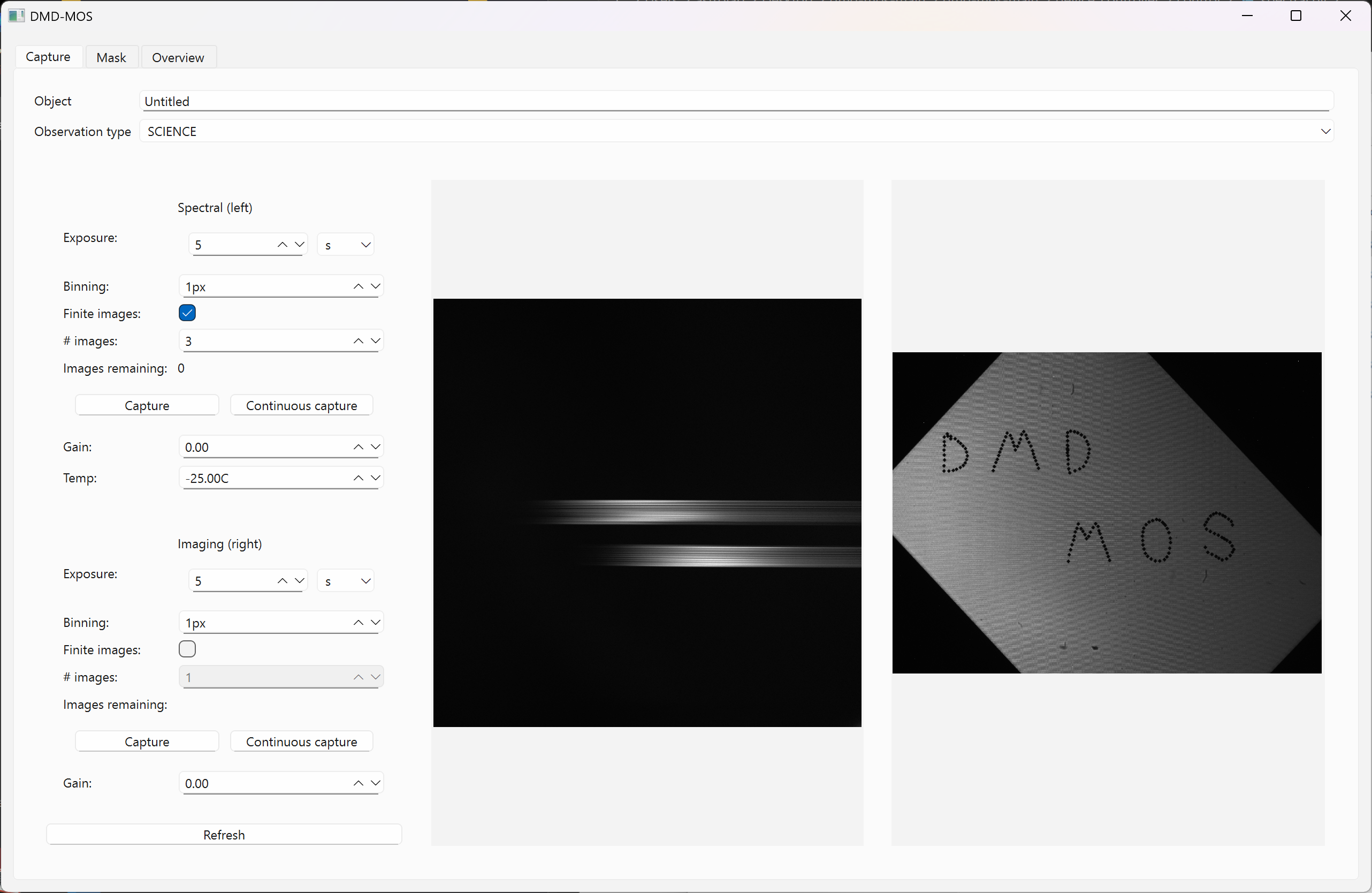
DMD-MOS is controlled using a custom software package developed by our team. This software displays the output from the imaging and spectral channels, configures the DMD after creating the requisite slit masks for the input field, starts/stops exposures, and controls the calibration system.
Control Flow

Starting with a list of science targets in a field, the telescope is slewed to the nominal field center. To place the slits at the exact positions required for science observations, the imaging channel image of the input field is passed into an astrometric solver. Once the field is solved, the slits are created and send to the DMD using a pre-determined mapping of the imaging channel image to the DMD array. In parallel, the telescope is continuously guided to keep the field centered. With the slit mask configured, the observer can then proceed to start science exposures. After completing the exposure(s), the observer can then choose to reconfigure the DMD for a new slit mask or proceed to obtaining calibration images. The obtained data are then fed into the data reduction pipeline to create the science products.
DMD-MOS Software
The DMD-MOS software consists of a GUI interface with three tabs:
1) "Capture": Setting up image capture in both imaging and spectral channels
2) "Mask": Creating slit masks and/or viewing the mask over the current field
3) "Overview": A tab for viewing the instrument status during observations
Beyond automated slit mask creation, our software also has the ability to create a custom slit mask using a point-and-click interface that displays the imaging channel output, which serves as a fallback option in the case of an unsuccessful astrometric solution. For all observations, the slit mask(s) used are saved to be re-used for calibration observations. The output data products are saved as FITS files with relevant metadata in the headers to facilitate use with our data reduction pipeline.